
In today’s fast-paced business world, many companies still rely on legacy systems for operations like accounting and inventory, which can limit growth and efficiency. The COVID-19 pandemic further accelerated the need for digital transformation, with businesses seeking scalable, integrated solutions to adapt to changing customer expectations and market conditions. Migrating to a modern ERP system like Cloud-based Odoo is one of the fastest and most cost-effective ways to ensure business continuity. Odoo ERP is flexible, scalable, and customizable – making it a strong replacement for outdated systems. Even global brands like Toyota have leveraged Odoo to streamline operations and gain value within months.
The rising demand is clear: Technavio reports the global ERP software market is expected to grow by $18.91 billion between 2019 and 2023, at a CAGR of 9%. Whether you’re moving from a legacy ERP or upgrading from an older Odoo version, this article outlines the essential steps for a smooth, effective migration.
Why Migrate Legacy Applications?
- Cut Risks & Costs: Legacy systems are expensive to maintain, prone to failures, and lack vendor support – making them vulnerable to security threats and costly downtime.
- Better Data Access: Old systems store scattered, outdated data. Modern ERPs like Odoo offer real-time, centralized access across devices, improving decision-making and ROI.
Benefits of Legacy Application Migration to Odoo
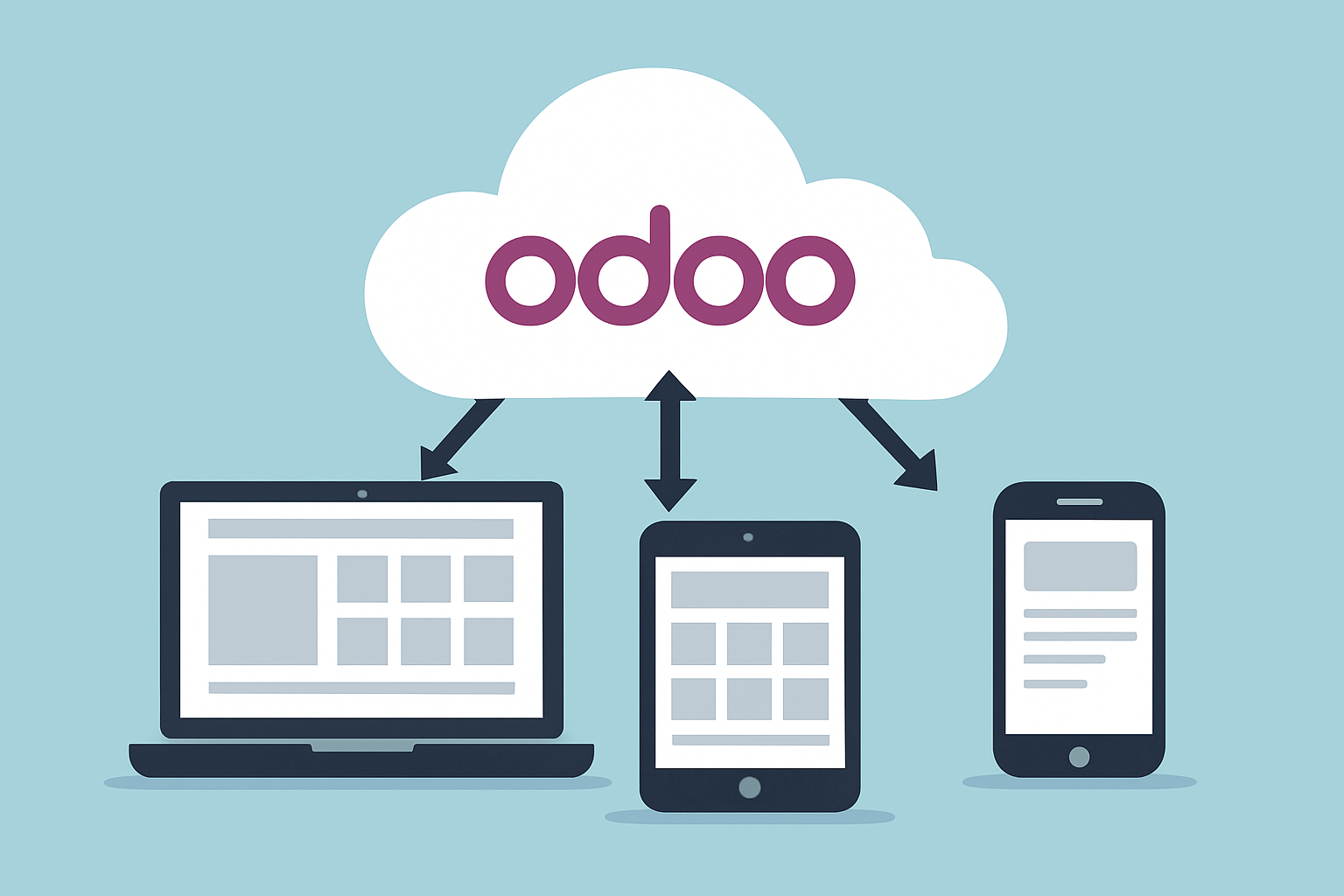
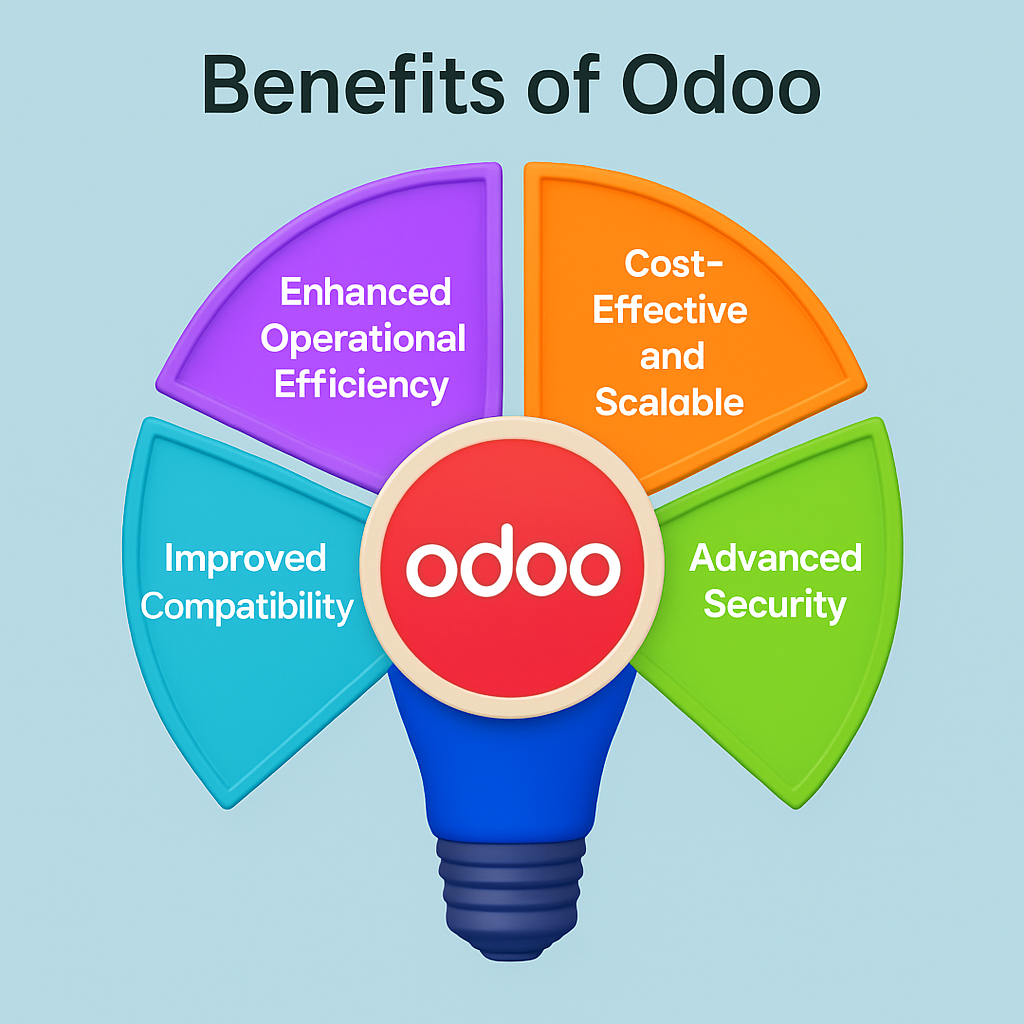
- Enhanced Operational Efficiency: Odoo offers both Cloud and On-premise ERP options. Cloud-based Odoo ensures better flexibility, accessibility across devices, reduced hardware dependency, and improved performance – supporting anytime, anywhere access.
- Cost-Effective and Scalable: Odoo reduces infrastructure and maintenance costs, allowing businesses to pay only for what they use. Built-in modules like accounting, invoicing, and financial management can be tailored to your specific needs.
- Advanced Security: Unlike outdated legacy systems, Odoo provides enterprise-grade security, including 256-bit SSL, PBKDF2+SHA512 encryption, automated RPO/RTO-based backups, and protection against DDoS, SQL injection, and malware threats.
- Improved Compatibility: Legacy systems often face integration issues. Migrating to Odoo ensures compatibility with modern tech stacks, enterprise modules, and APIs – enabling seamless integration and access to Odoo’s feature-rich ecosystem.
How to Migrate from Legacy to Odoo
-
Assess Your Current System and Define Requirements
Start by evaluating your existing legacy systems to identify pain points, inefficiencies, and missing features. Understand which processes are currently handled, what modules are essential (e.g., Accounting, Inventory, CRM), and any customizations or third-party integrations needed.
Conduct a gap analysis to compare the legacy system’s capabilities with what Odoo offers. If needed, consult an Odoo migration expert to assist in identifying critical gaps and plan for a seamless transition.
-
Plan a Detailed Migration Strategy
Develop a structured migration plan with clear timelines, milestones, and responsibilities.
- Timeline: Define key phases, from initial setup to go-live.
- Team Setup: Form a team including project managers, technical leads, and Odoo consultants.
- Data Migration Planning: Identify what data (e.g., customer records, financials, product catalogs) needs to be transferred, and how to ensure integrity throughout the process.
A phased approach helps reduce risks, ensuring continuity and minimizing downtime.
-
Customize Odoo to Fit Your Business
Odoo’s modular architecture (with over 30+ built-in apps) allows customization to match your workflows.
- Modify standard modules (e.g., Sales, Purchase, HR)
- Build custom features for niche requirements
- Integrate with external systems (e.g., payment gateways, shipping APIs)
This flexibility makes Odoo a powerful replacement for rigid legacy systems.
-
Execute Data Migration with Care
Data is the backbone of your ERP. Ensure accurate and reliable transfer:
- Data Cleaning: Remove obsolete, duplicate, or incorrect entries.
- Data Mapping: Align fields between legacy databases and Odoo models.
- Test Migration: Run multiple dry runs to validate data quality before final migration.
This avoids data loss, ensures system stability, and builds confidence.
-
Train Your Team and Manage Change
Even with Odoo’s user-friendly interface, training is essential for smooth adoption:
- Conduct hands-on workshops for different user roles.
- Share well-documented user manuals and SOPs.
- Provide ongoing support during the initial rollout phase.
Effective change management reduces resistance and accelerates adoption across departments.
-
Monitor, Support, and Optimize Post-Migration
Once live, monitor system performance and user behavior:
- Use Odoo’s built-in reporting and analytics to track KPIs and spot inefficiencies.
- Collect user feedback regularly to identify pain points.
- Continue optimizing workflows, reports, and modules as your business evolves.
A successful migration doesn’t end at go-live – it’s an ongoing process of refinement and improvement.
Final Thoughts
Migrating from legacy systems to Odoo is not just a technical upgrade – it’s a strategic move toward greater agility, efficiency, and innovation. With careful planning, clear objectives, and the right implementation partner, businesses can minimize disruption and unlock the full potential of modern ERP. Odoo’s flexibility, scalability, and affordability make it a future-ready solution for growing enterprises. As digital transformation becomes imperative, now is the time to move away from outdated systems and embrace a smarter, connected way of working.